
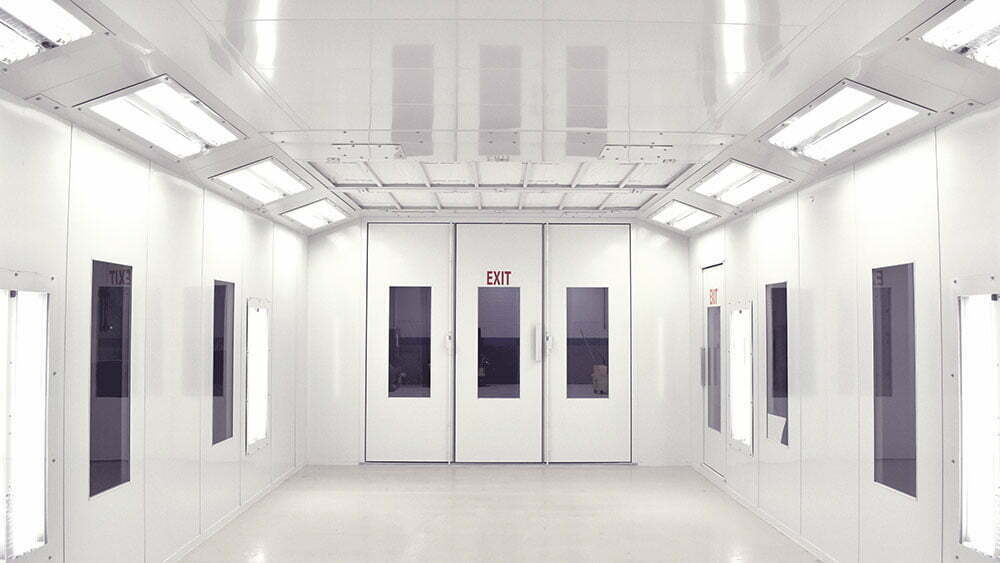
When a spray booth system experiences an operational interruption, it is often because an engineered safety interlock has tripped to protect the facility and the operator. When a safety fault occurs, the system will lock out, shutting down the burners, fans, or compressed air supply. This guide provides step-by-step resolution procedures for safely diagnosing and clearing the three most common safety faults.
Step 1: Pre-Service Safety & Fault Isolation
Before attempting to manually reset any electrical or gas train control component:
Identify the Fault: Check your booth’s operator interface terminal or control panel for the exact fault code or indicator light. Never blindly reset safety components without understanding which limit was breached.
Stop Spray Operations: Ensure all spray lines are disconnected and the booth cabin is clear of personnel.
Be Aware of Residual Heat: If troubleshooting an Air Make-Up Unit (AMU) or burner assembly, allow the heater plenum and component housings to cool completely.
Step 2: Resetting the AMU Flame Safety Control
The flame safety control (or flame safeguard module) monitors the presence of a stable flame during burner operation. If the burner fails to ignite within its timed trial period, or if the flame sensor loses its signal during operation, the module locks out to prevent raw gas from loading the plenum.
Locate the Safeguard Module: Open the main AMU control panel door. The flame safety control is typically a distinct rectangular module featuring a prominent diagnostic display or indicator lights.
Diagnose the Trip: Look at the module faceplate. If it shows a lock-out code (such as “No Flame During Trial for Ignition” or “Flame Signal Lost”), check the burner window to ensure no gas is actively escaping.
Perform the Reset: Press and hold the illuminated physical Reset Button on the front of the flame safety module for 2 to 3 seconds, then release it.
Monitor the Cycle: The module will cycle back through its pre-purge phase (typically 30 to 90 seconds) before attempting re-ignition. Watch through the sight glass to confirm a smooth, stable flame pattern establishes.
Step 3: Resetting the High-Temperature Limit Switch
The high-temperature limit switch is an independent safety device designed to shut down the gas supply if the temperature inside the AMU or air plenum exceeds a pre-set safe threshold (typically set above normal baking temperatures).
Locate the Control: This switch is commonly mounted directly on the casing of the AMU plenum or inside the remote control enclosure. It is a dedicated controller featuring a manual reset stem or button.
Allow for Cooling: You cannot reset a high-limit switch while the sensor bulb is still hot. Wait until the internal plenum temperature drops at least 25°F below the high-limit setpoint.
Clear the Fault: Press the physical mechanical reset button firmly until you hear or feel a distinct mechanical click.
Investigate the Root Cause: High-temperature faults are rarely flukes. Before restarting the system, verify that your booth exhaust fans are running correctly and that your intake filters are not completely choked—restricted airflow is the primary cause of burner overheating.
Step 4: Resetting the Gas Pressure Switches
Your AMU gas train utilizes two critical safety sensors: the Low Gas Pressure Switch (trips if incoming fuel pressure drops too low to maintain a clean flame) and the High Gas Pressure Switch (trips if a regulator failure causes fuel pressure to spike dangerously). Both require a physical manual reset once tripped.
Locate the Gas Train Switches: Access the enclosed gas train assembly connected to the AMU burner. Look for two small, block-shaped control bodies (often grey, yellow, or blue) mounted directly into the gas pipe line.
Identify the Tripped Switch: Look at the plastic visual indicator windows on the switches. A tripped switch will typically display a red flag or a raised reset plunger.
Verify Line Pressure: Ensure your facilities’ main gas supply valves are completely open and that upstream regulators are functioning properly.
Perform the Manual Reset: Lift, turn, or press the clear plastic cap/plunger assembly on the top of the tripped switch housing until it locks down into its normal operational state.
Test the Interlock: Restart the AMU. The control panel fault indicator should clear, allowing the main gas safety valves to open smoothly upon ignition demand.
⚠️ CRITICAL SYSTEM FAULT WARNING Safety interlocks are engineered strictly for hazard prevention. If any of these safety controls trip repeatedly or refuse to stay reset, do not bypass or jump out the switches. Lock out the booth immediately and contact an authorized gas technician or industrial service specialist to diagnose the system.